Instance settings
Under your account menu. The Account pages are yours; the Administration pages are visible to administrators only.
Your own account
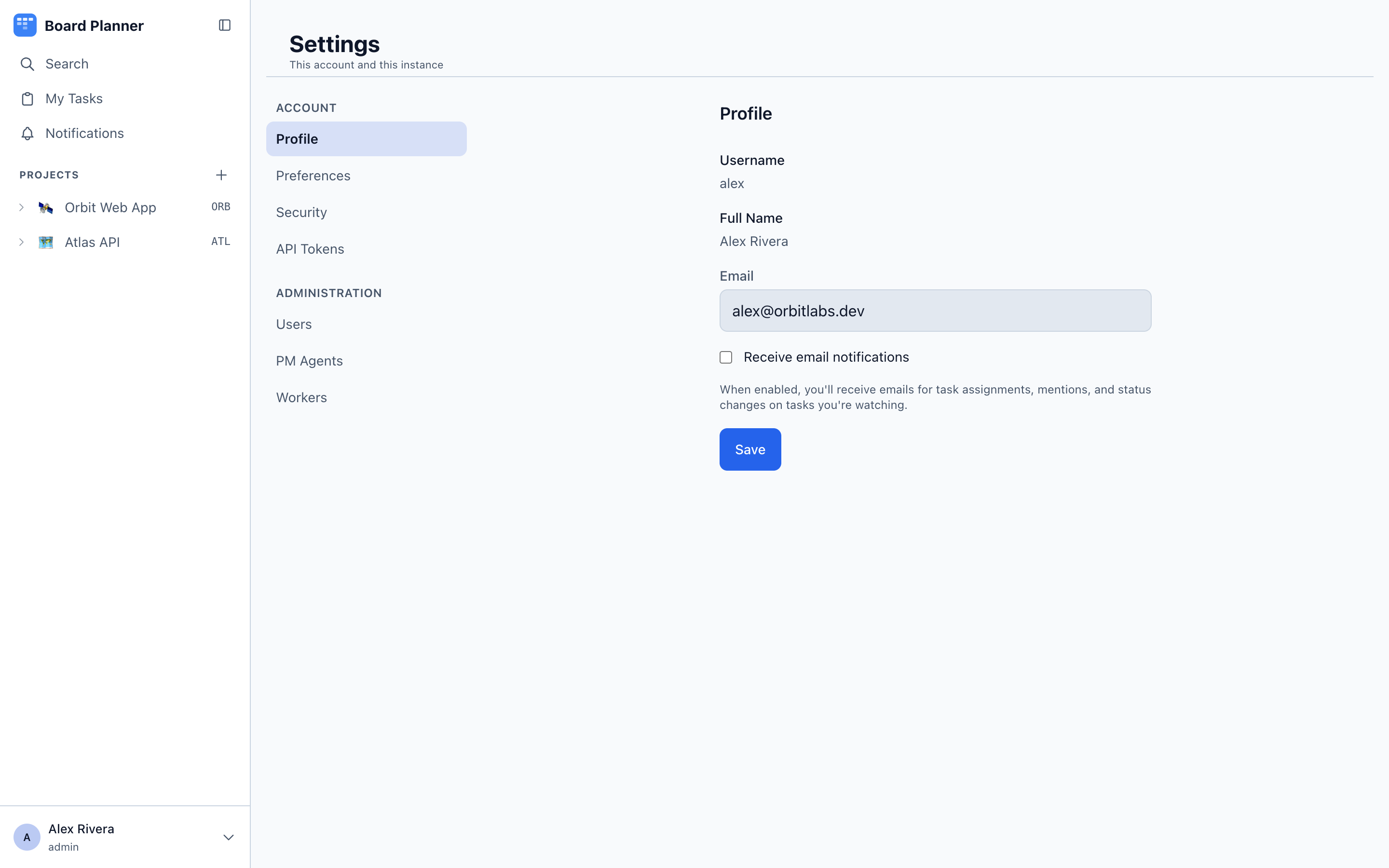
Section titled “Your own account”- Profile — name and email. On an instance that sends email, a new address takes effect once you confirm the link sent to it — see Changing your own address.
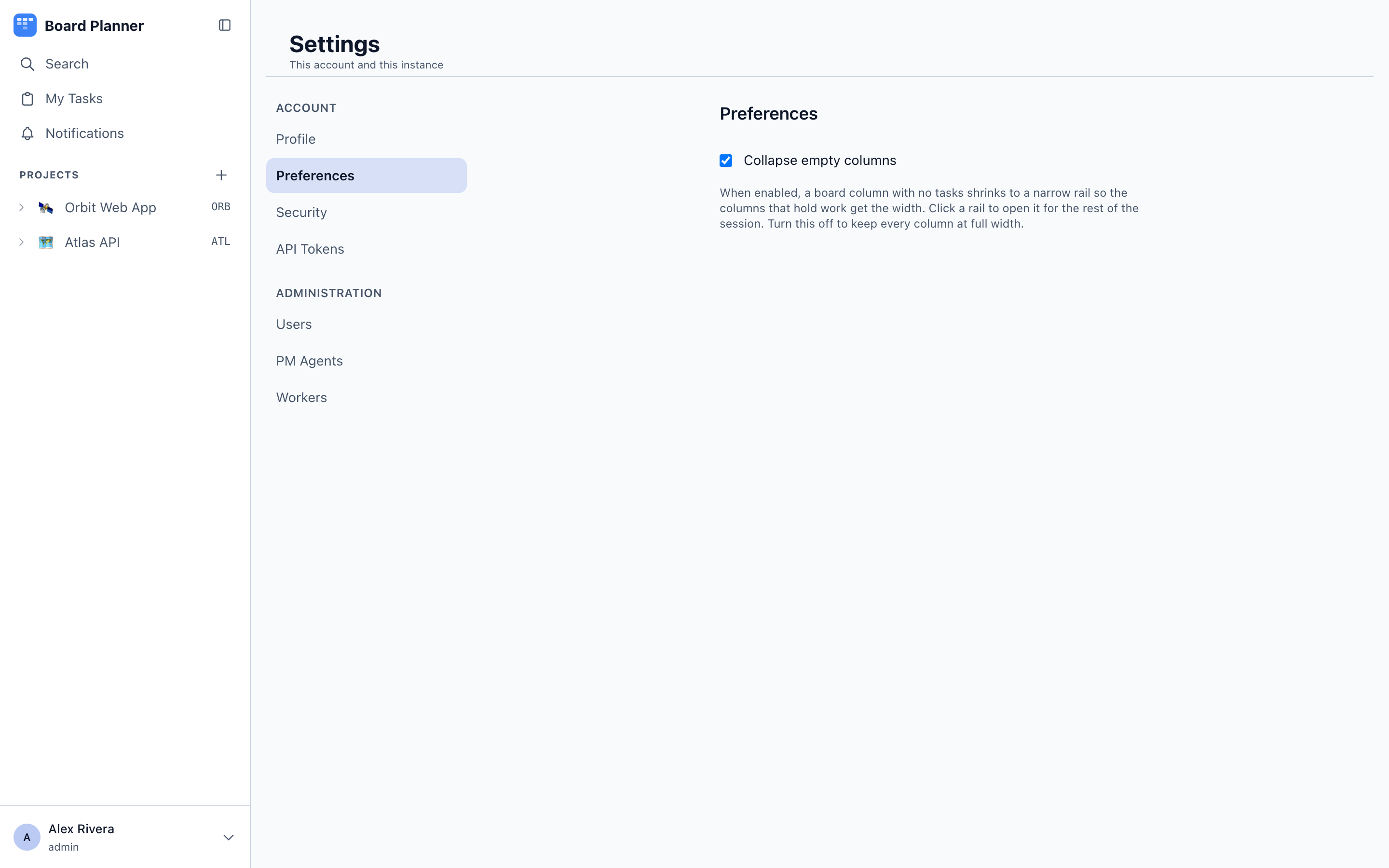
- Preferences — one control: whether empty columns collapse on a board. The theme switch is in the account menu at the foot of the sidebar, and e-mail is the E-mail column of the grid on Settings → Notifications.
- Notifications — which events reach you, and where: in the app, by e-mail or in your own chat. See Choosing where each one reaches you.
- Security — change your password.
- API Tokens — your own tokens, see below.
API tokens
Section titled “API tokens”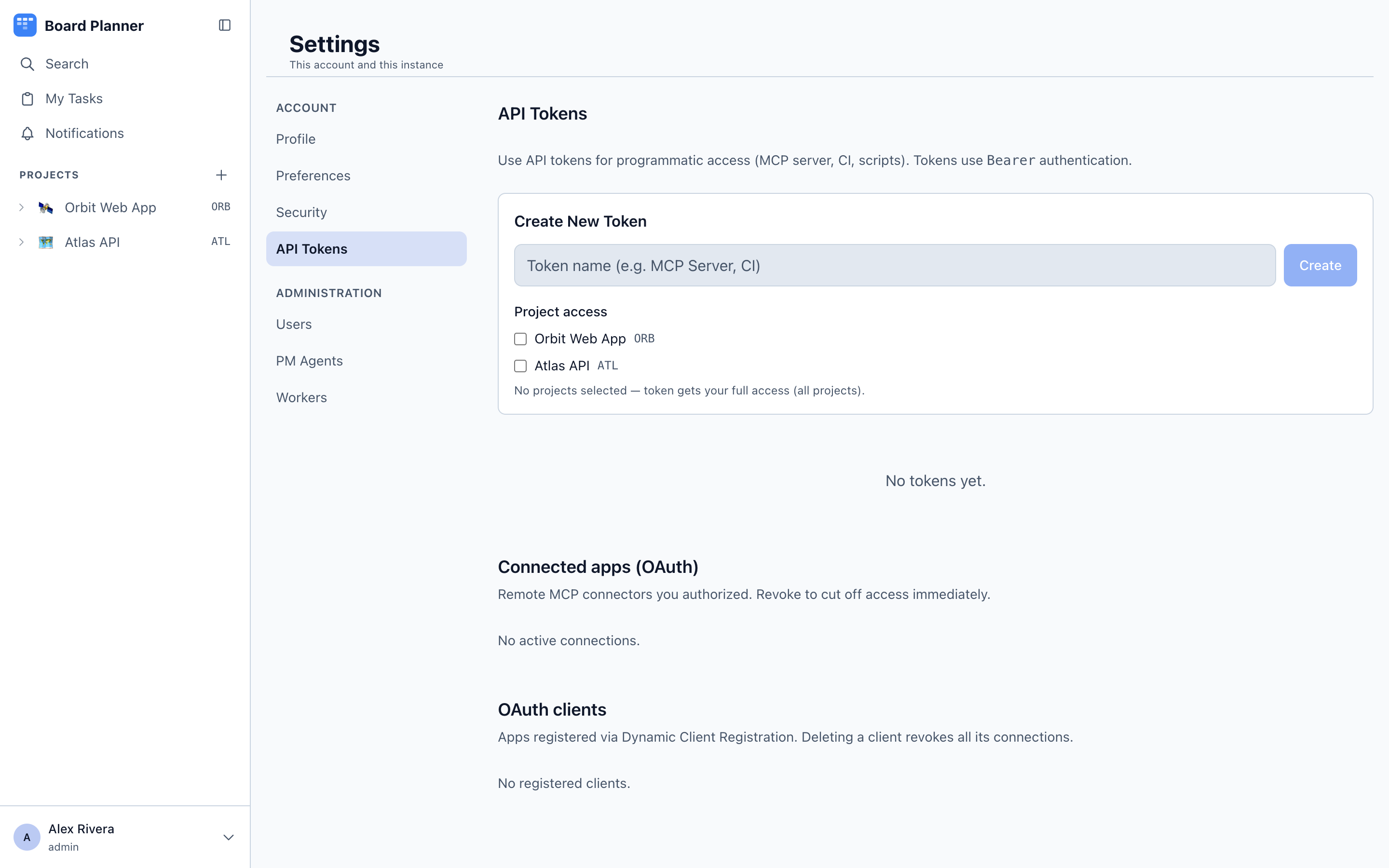
Create a bearer token for MCP clients, scripts and CI. Choose project access when creating it: leave it empty for the owner’s full access, or select projects to scope it down. The token is shown once, on creation.
Connected apps (OAuth)
Section titled “Connected apps (OAuth)”Below the tokens, Connected apps (OAuth) lists the applications you have signed in to this instance from — Claude and anything else that went through the consent screen rather than being handed a token. Each row names the app, when you approved it, and which projects you granted it. Revoke ends that connection; the app has to ask again. A password change empties this list, and your tokens, in one go.
This is your own list, not the instance’s. Everyone sees their own connections here.
OAuth clients
Section titled “OAuth clients”Administrators additionally see OAuth clients — the applications that have registered themselves through the connector flow, instance-wide, with a count of the live connections each holds. Deleting a client revokes every one of those connections, and the confirmation says how many before you do it.
Settings → Email does not configure mail — that is SMTP_* in the environment. It tells you whether what you configured works.
With a mail server set it prints the server, port, username and From address the instance is actually using. Without one it says so and names the three variables to set. Send a test message goes to the address on your own profile and nowhere else; with no address on your profile the button stays disabled and the page says to add one first, rather than letting you spend a round trip finding out.
Audit log
Section titled “Audit log”Settings → Audit log is the instance-wide log: a machine stopped or enrolled, a project’s workers switched on or off — by its owner or an administrator — or locked off and unlocked by an administrator, a refused change accepted, declined or given up on, an account created, promoted to administrator or deleted, and anything that changes how an account is signed into — a password set for somebody, a reset by email, an address moved — whether an administrator or the account itself did it — and a change to the instance’s AI defaults. A worker’s own rows are attributed to system, since a machine spending an enrolment token has no session to name.
Each project keeps its own separate log of its own settings, under that project — see project settings.
Task generation
Section titled “Task generation”Settings → PM Agents carries one card that is not about the PM agent: Task generation, the model used when a task is drafted with AI Assist in the task form. It is instance-wide, and separate from the PM agent’s own model below it. (Not to be confused with Agents at the foot of the sidebar, which is the agent catalog.)
Accounts and project access. See Members and permissions.
PM agents
Section titled “PM agents”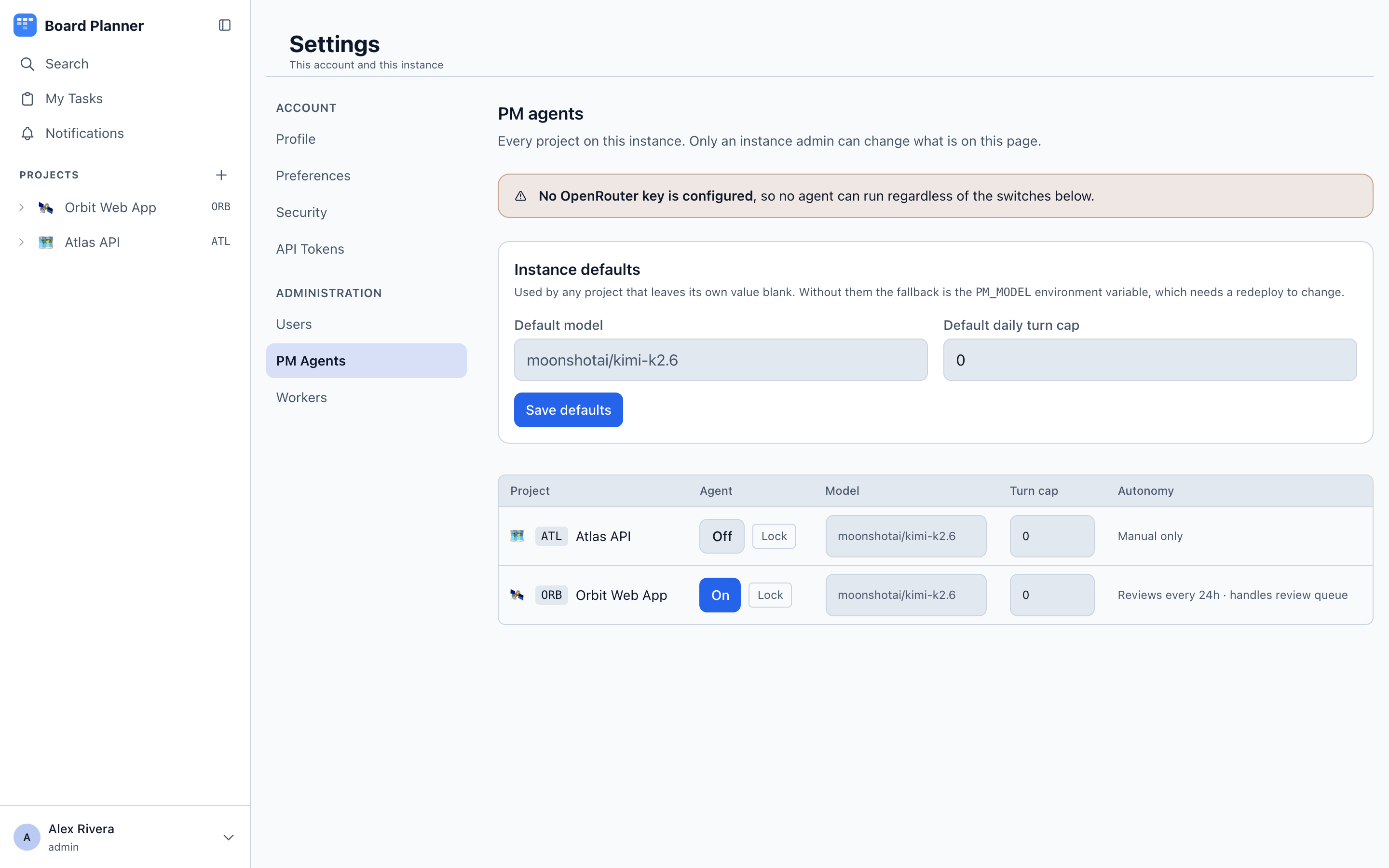
Every project on the instance in one table: whether its agent is on, which model it uses, its autonomy setting and its turn cap. Set the PM agent defaults for model and daily turn cap here, and lock an agent off for a project — a kill switch that project settings cannot override. Task generation lives on this page too, and it is a different thing: the model behind AI Assist in the task form, used across the whole instance and unrelated to the PM agent’s model or its turn cap.
The PM agent defaults and the Task generation model take an interactive session — an API token, even an administrator’s, is refused — and every change to them is recorded in the audit log.
If the instance has no model credentials configured, the page says so and the agent features stay inert.
Workers
Section titled “Workers”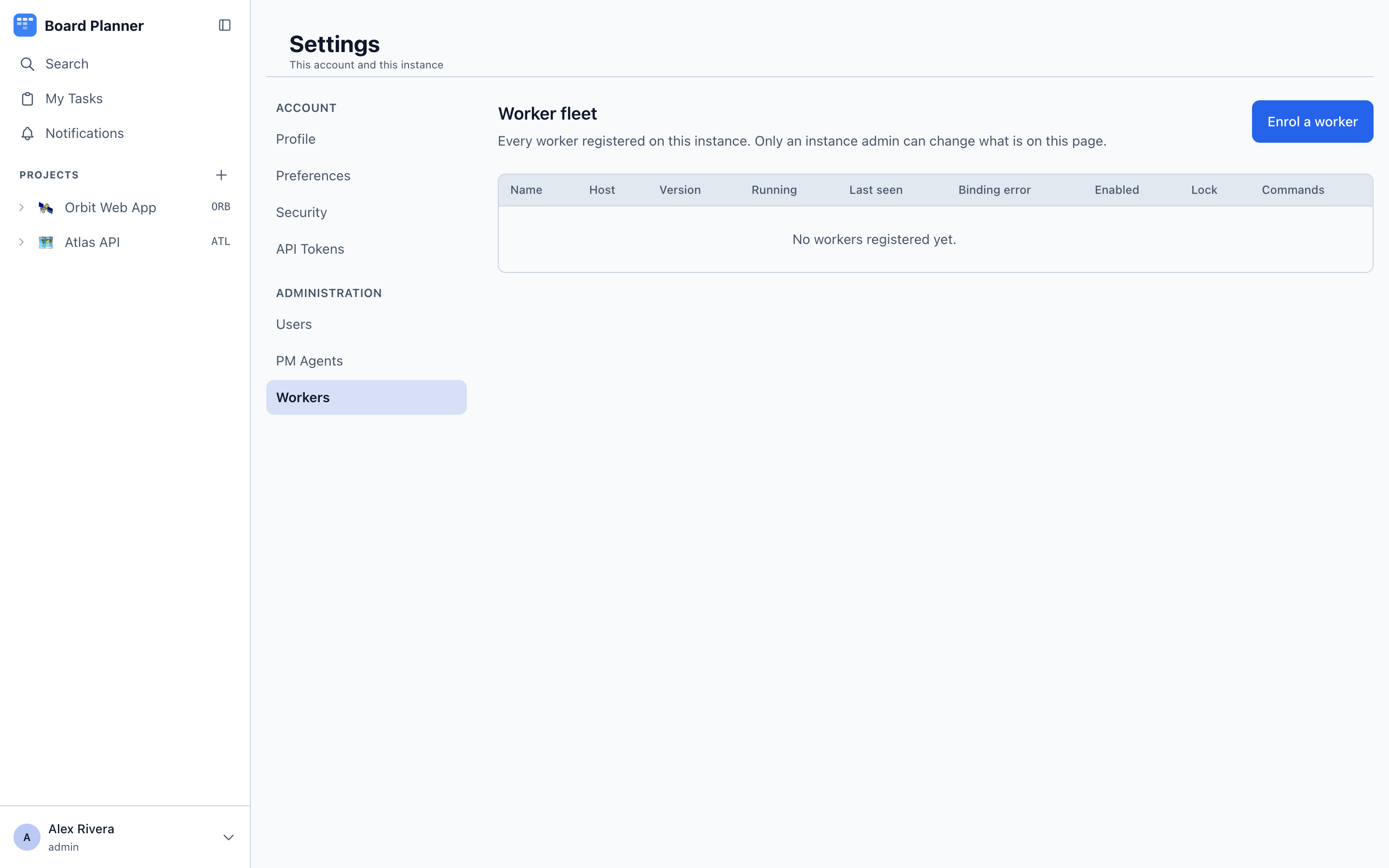
The worker fleet: every machine registered on the instance. This page is about the machines themselves — enrol a new one, switch it off, pause or resume what it claims, and stop the run in flight, which pauses it too. How work is done belongs to the agent a task names — merging, review, diff limits and the models are steps and gates now, not settings. What is left with the project, under Project settings → Workers, is the base branch and two timeouts, because those describe a repository rather than a laptop.
Which projects a machine serves is not set here either. A worker reports the checkouts it has, and any enabled project whose repository matches is offered to it.
The list also shows each worker’s health, the checkouts it reported, and any binding error — for example a repos.json the worker cannot read. Changes reach a running worker on its next refresh, without a restart.
On/Off is the switch to reach for when something is going wrong: it stops a machine claiming anything new, immediately, whatever any project’s settings say, and a run already in flight is told to abort on its next report.
To stop a project rather than a machine, lock its workers off under Project settings → Workers → Instance lock. The lock wins over the project owner’s own switch: no machine claims the project’s work while it is on, a change somebody accepted is held rather than pushed, and the owner can switch runs off but can neither switch them back on nor lift the lock. A run already in progress when the lock lands can still set the status of its own task and release it, and can touch no other task. Its outcome record for the run history may be lost.