Search and filters
Three different tools, easy to mix up.
The board search box
Section titled “The board search box”Filters the current board as you type. It matches titles and task keys, and it is forgiving about the key format — ORB-128, orb-128 and plain 128 all find the same task.
Filters
Section titled “Filters”Filters opens a panel over the board. It applies to both the board and the list view.
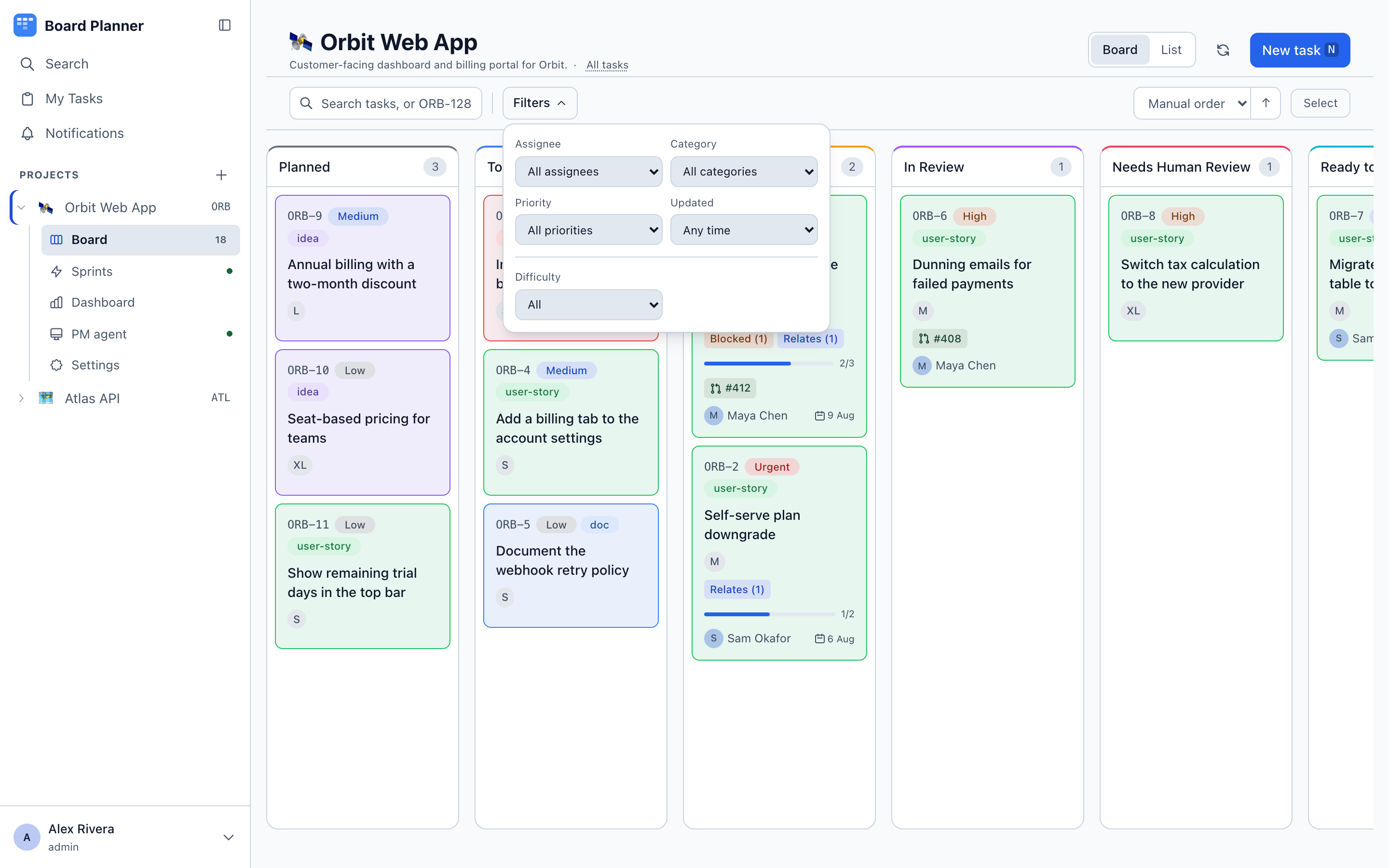
| Filter | Options |
|---|---|
| Assignee | Anyone, a specific person, or unassigned |
| Category | Any of the project’s categories |
| Priority | Low, Medium, High, Urgent |
| Status | The roles your board’s columns carry — such as Ideas & backlog, In progress or Awaiting review — plus No column when a task sits in a column that was deleted |
| Updated | Any time, Today, This week, Last 7 days, Last 30 days, Stale (more than 14 days) |
| Custom fields | One control per field you marked filterable |
Status filters by what a column means, not what it is called. One option covers every column with that role — on the default board, Awaiting review takes In Review, Needs Human Review and Ready to Test together — and it keeps working after columns are renamed. Only roles your board has are offered, with one exception: a status you had chosen stays selected until you clear it, even if the last column with that role is deleted. See Board columns for how roles are set.
If the filters or the search leave nothing to show, the list view says so and offers one button that clears both, rather than showing an empty page.
Filters persist per project in your browser, so the board you left is the board you come back to. The Filters button shows a count when something is active, and clearing is one click.
Stale (>14d) is the quiet workhorse here — it surfaces the tasks everyone has silently stopped touching.
Global search
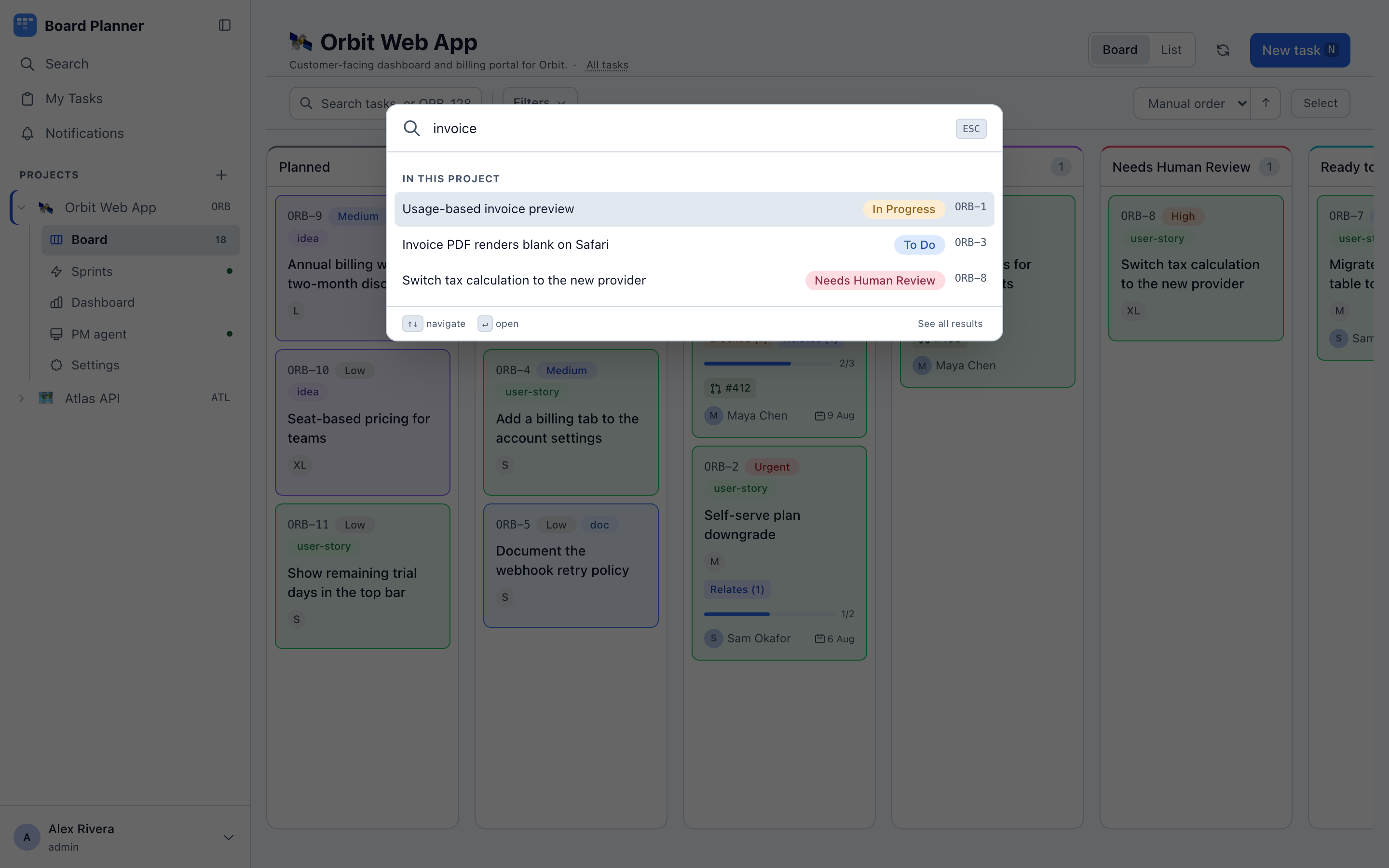
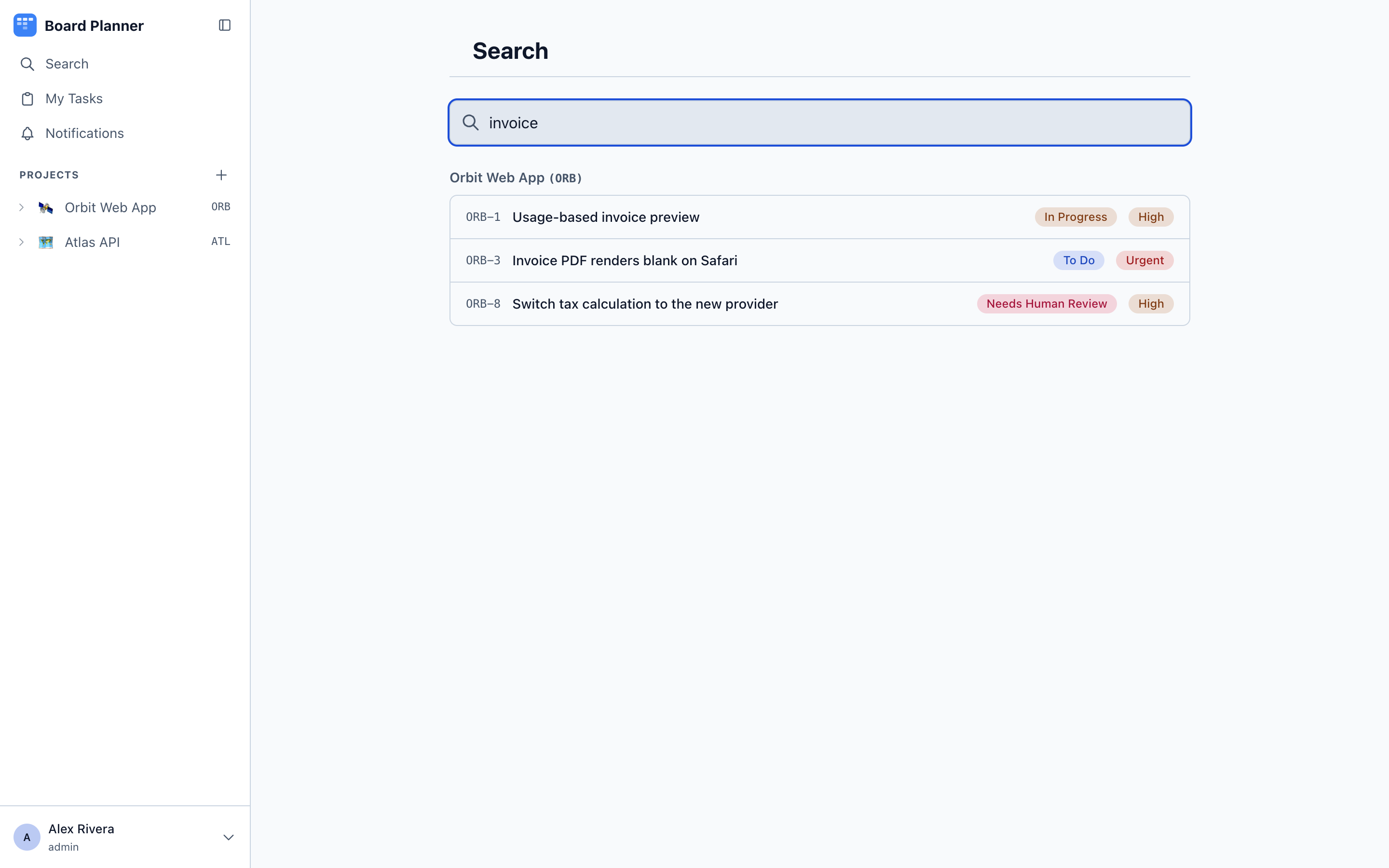
Section titled “Global search”Search in the sidebar, or ⌘K (or /) from anywhere, searches across every project you have access to and jumps straight to a result.
It matches titles and descriptions, anywhere in the text and without regard to case, and needs at least two characters. Results are ordered most recently updated first and capped at fifty, so a broad query is a prompt to narrow it rather than a list to page through. Typing a full task key — ORB-14 — looks that task up directly instead.
Only tasks you can reach are searched: an administrator sees everything, everyone else sees the projects they have been granted.