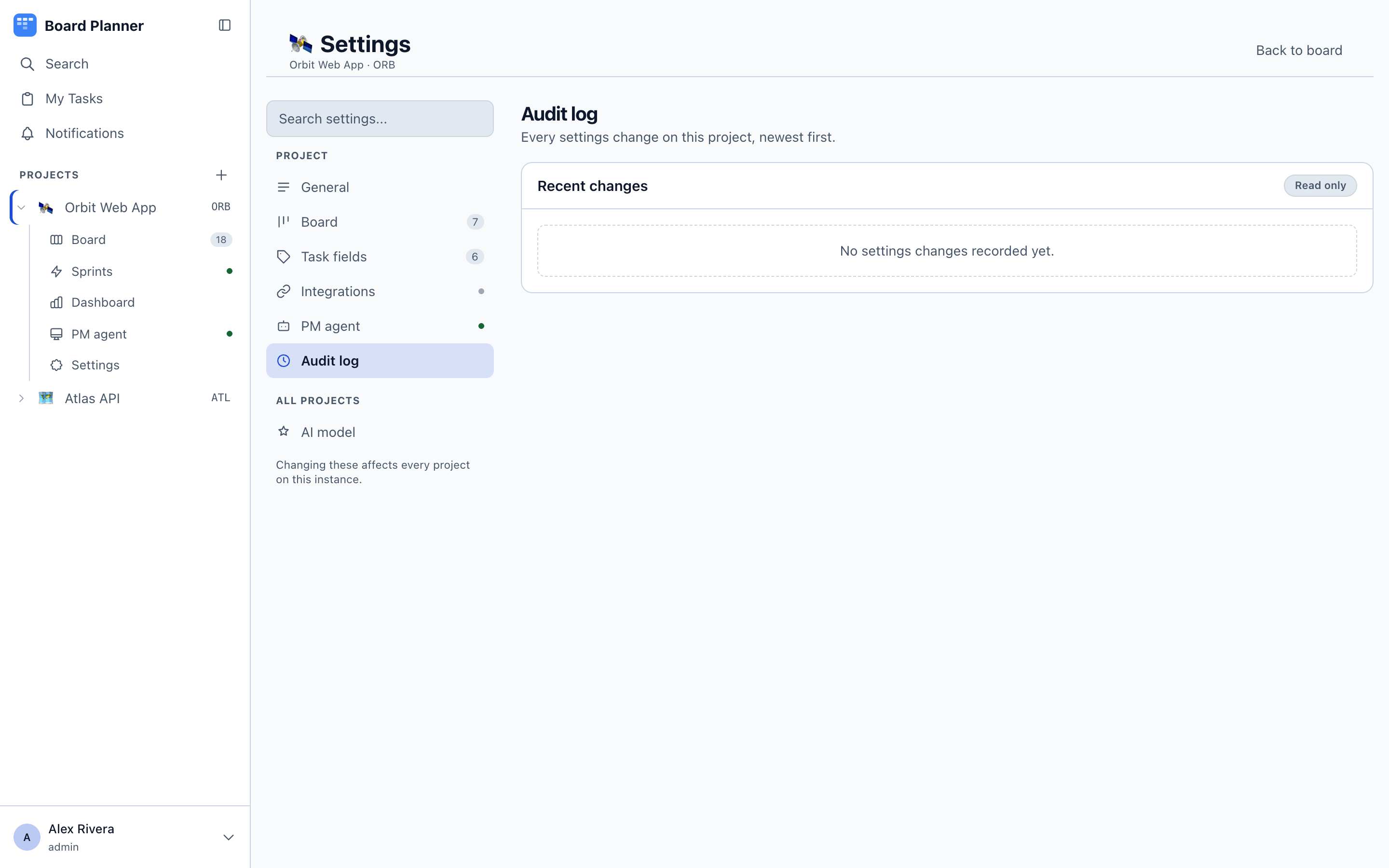
Project settings
Settings on a project opens a set of sections down the left — but which ones depends on who you are.
| Section | Who sees it |
|---|---|
| General, Board, Integrations, Workers, PM agent, Audit log | project owners |
| Task fields, Notifications | everyone on the project |
A member therefore gets two sections, and the page says as much at the foot: the rest needs admin access. Within Task fields a member may add, rename and archive categories, fields and templates — deleting one, and designating the sprint estimate field, are the owner’s.
The save bar
Section titled “The save bar”Every settings screen edits a draft rather than the live project. Change anything and a bar appears at the foot of the page counting unsaved changes, with Discard and Save changes; each field you touched is marked as changed so you can see what the count is made of. Nothing reaches the server until you save. Leaving with unsaved changes — by a link, a reload or closing the tab — asks first; the browser’s Back and Forward buttons are the ways out it cannot catch.
This is why an in-place refusal is rare here: the whole screen is validated as one, so a board that would lose its last done column is refused on save, with the reason, rather than at the moment you changed the dropdown.
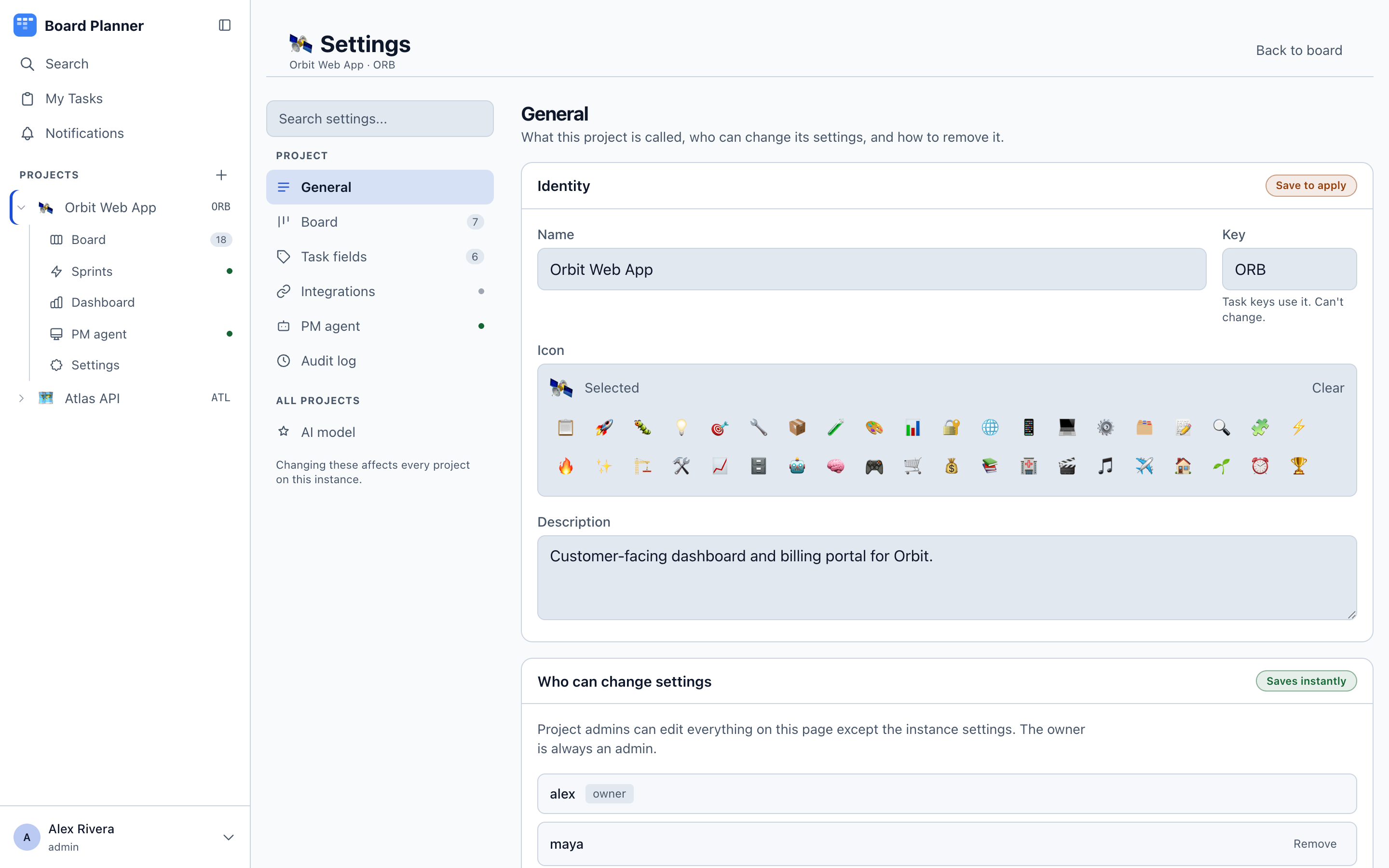
General
Section titled “General”The project’s identity: name, key, description and icon. The key cannot be changed — the field is disabled and the API refuses it — because every task key is built from it and none of them are stored, so one edit would rename every task at once. Choose it when you create the board.
Who can use this board is the list of people on the project, each set to Owner or Member. An owner manages the project fully — every settings page, including this list — without being an instance administrator, which is the right level for a team lead who should not be able to create users. See Members and permissions.
Delete project removes the project and everything in it. There is no undo.
Workers
Section titled “Workers”Whether autonomous execution workers may take work from this project, and the few things that describe the repository rather than any one run. Nothing runs until it is enabled here. The project’s owner manages all of it: the switch, the base branch, the timeouts and the default agent. A member sees none of it, and the API refuses them.
An instance administrator can lock workers off for the project. The lock wins over the owner’s switch: no machine runs the project while it is on, the owner cannot switch workers on or lift it, and the section says so at the top. Only an instance administrator sees the lock switch, and switching workers on, switching them off, locking and unlocking are all recorded in the instance audit log.
The section is short on purpose. The review gate, whether a run may merge, the diff limits and the models are no longer settings: they belong to the steps and gates that do them, and the page says so where they used to be. What is left is the base branch and two timeouts — one bounding a single call to the model, one bounding the whole run.
A project with no repository cannot be served at all, and the section says so rather than letting you enable it and wonder: set the GitHub or GitLab repository under Integrations first, because a machine is matched to a project by the checkout it reports.
Default agent also lives here. It is offered first when somebody picks the agent for a task on this board and does nothing else — a task with no agent chosen is one a person is doing, and No default is a real choice rather than a missing one. Recent runs below it lists what has actually run.
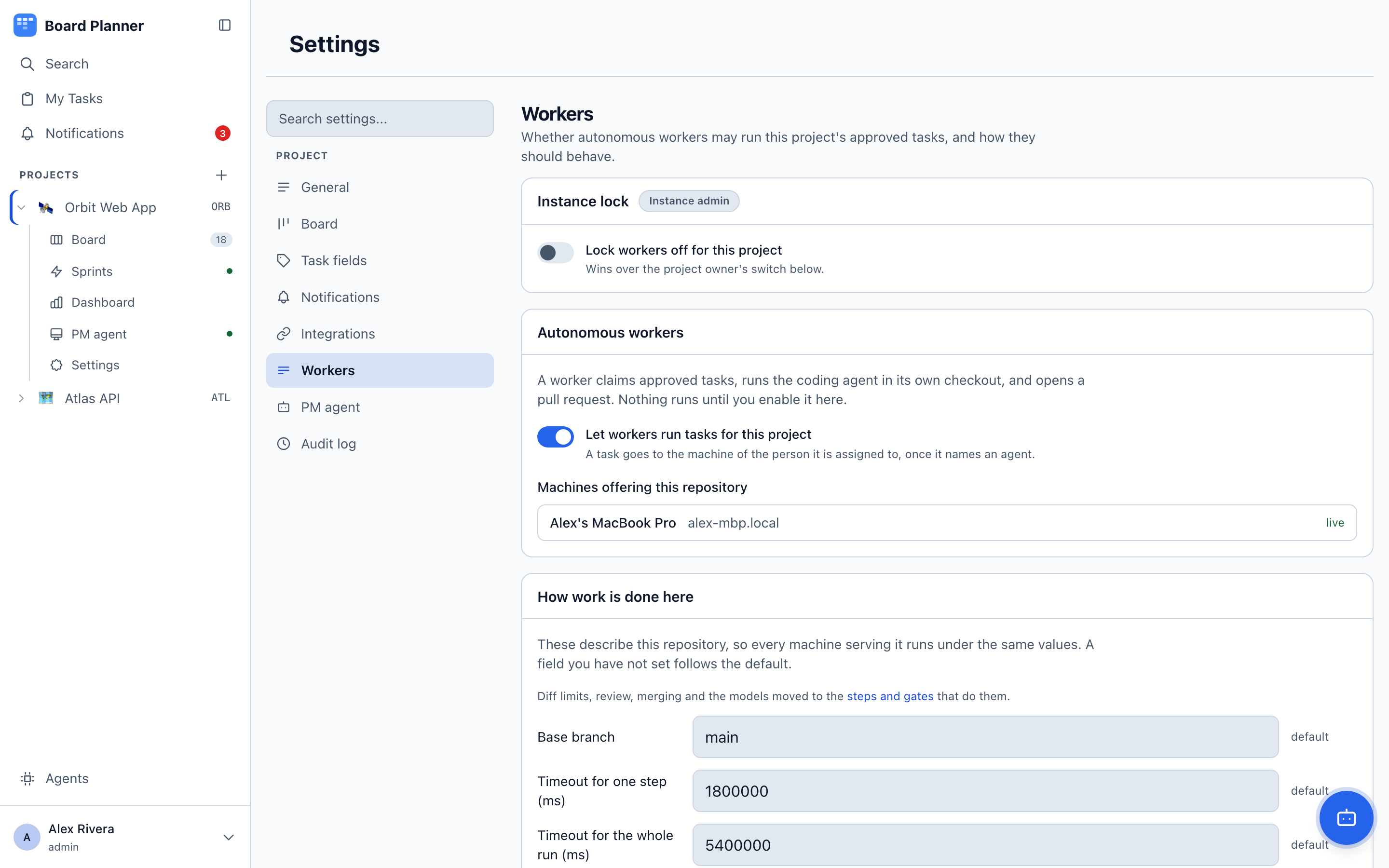
Machines offering this repository is shown to instance administrators, because it reads the whole fleet. It is a read-out, not a control: a machine appears once its own worker reports a checkout of the repository named under Integrations, marked live, not reporting, or — from 1.1.2 — cannot use its checkout, the last with the worker’s reason and what to do about it, such as a checkout kept under /private/tmp. Which machines serve a project is decided on those machines, never from here.
Audit log
Section titled “Audit log”Recent changes is the project’s own audit trail: settings changes, membership changes, columns, categories and fields, with who did it and when. When a board behaves differently than it did last week, this is where the answer is.